
Turn it on
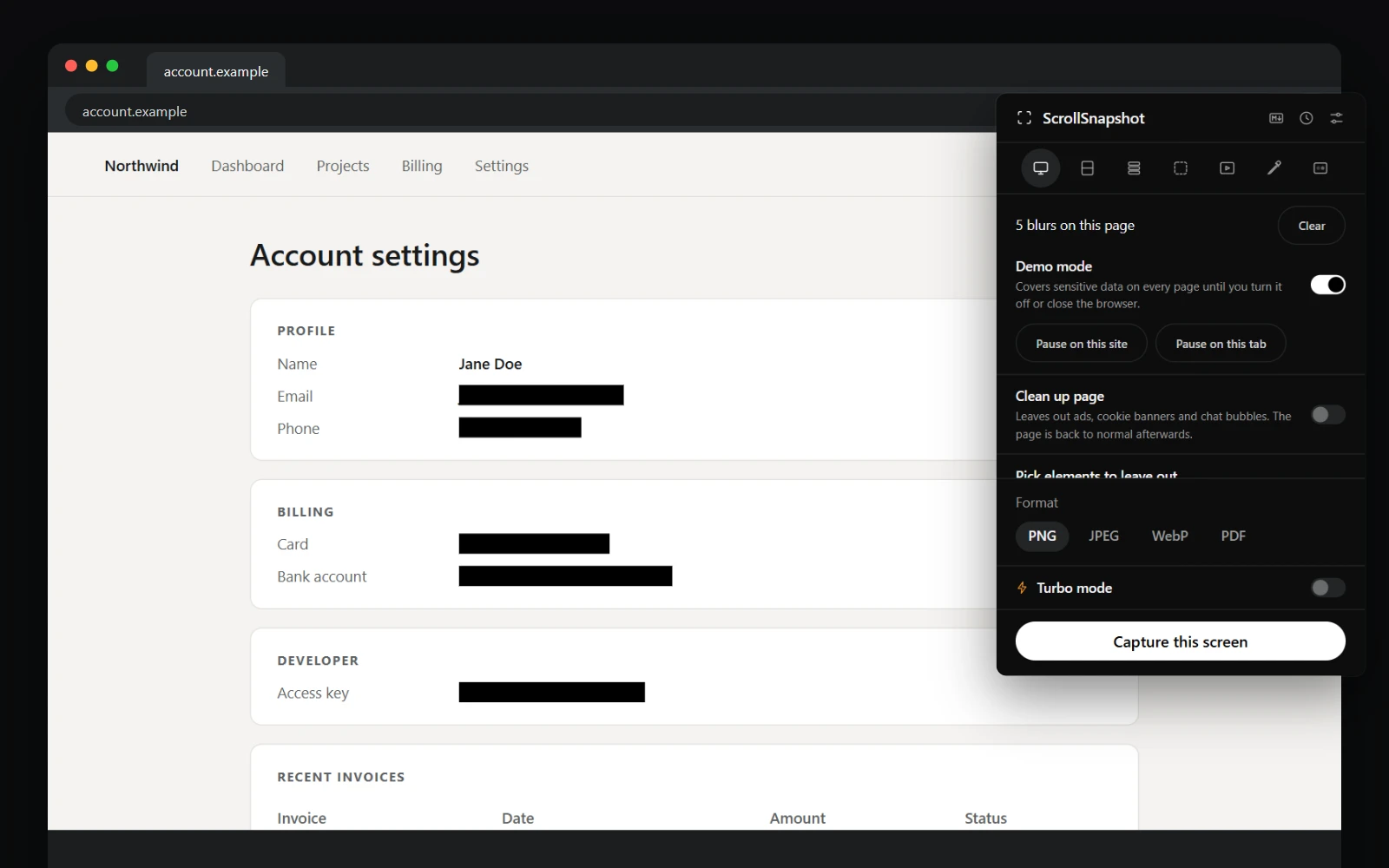
Switch on Demo mode in the popup, or press Demo on the live blur toolbar. Turn demo mode on or off is also a keyboard command with no default key; set one at chrome://extensions/shortcuts. An amber dot on ScrollSnapshot's toolbar icon shows while it is on.
What it covers
Everything Find sensitive data looks for, on every page and frame, and every password field. A new page is covered from its first paint until its first read is done, so nothing flashes. It also hides each tab's title, so the tab strip gives nothing away.
Pause it here
Pause on this site leaves one site out until you resume it; it is listed under Settings → Live blur with Remove. Pause on this tab leaves one tab out until it closes, wherever that tab goes. Both are in the popup and in the menu beside Demo on the toolbar. Covers you placed by hand, and kept blurs, still work on a paused page.
Turn it off
Switch it off in the popup or on the toolbar, or close the browser: demo mode never outlasts the session. Clear all while it is on reads the page afresh.