
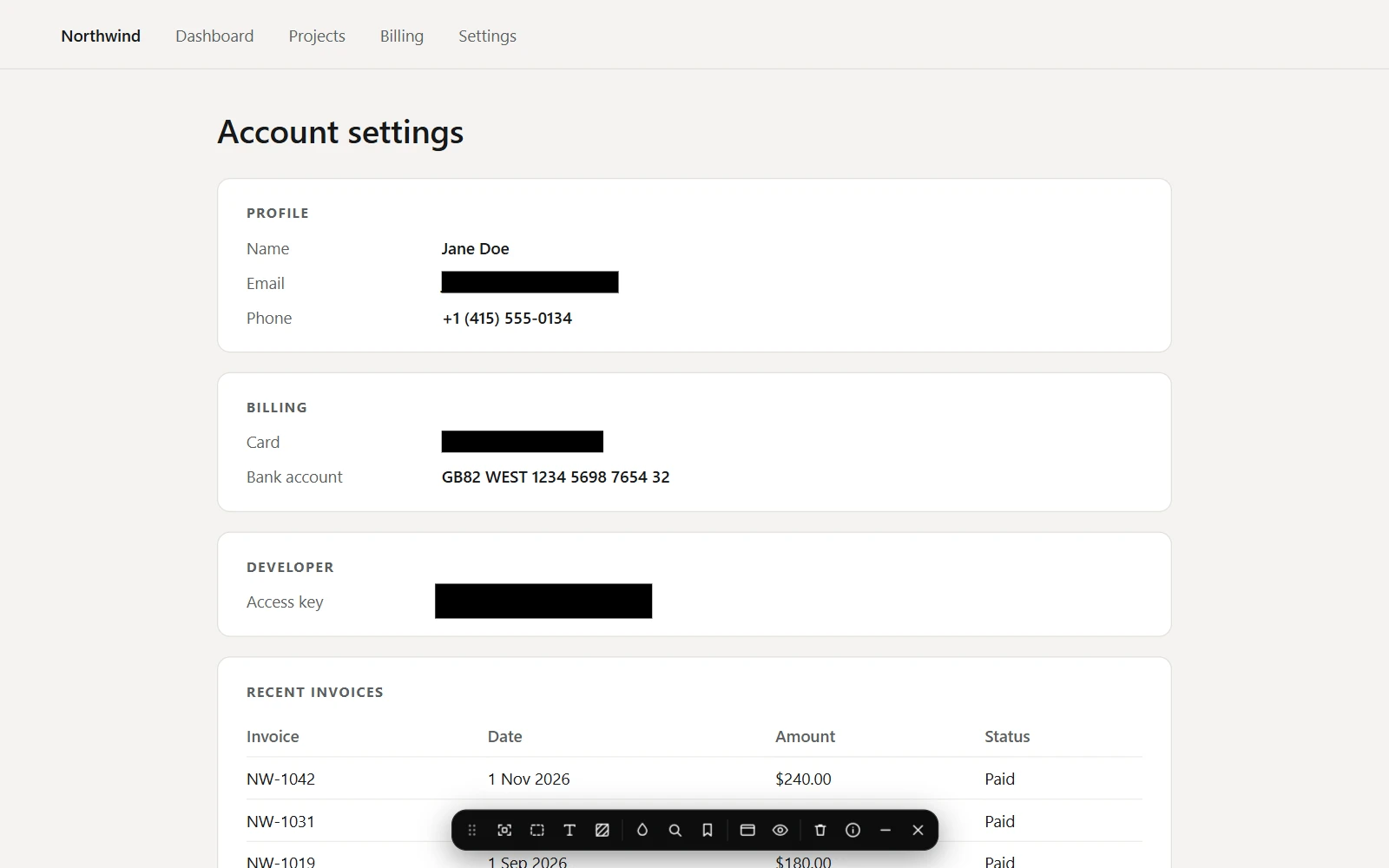
Live blur
Cover an element, an area, some words or the whole page, or let Find sensitive data cover emails, phone numbers, cards and keys. Keep covers for a page or a site, view or copy what one hides, and hold Ctrl+Alt to peek. While a page has covers, its text is withheld.
Demo mode
Cover sensitive data on every page until you turn it off or close the browser, and pause it on one site or one tab.
Clean up page
A popup switch that leaves ads, cookie banners and chat bubbles out of every capture, and puts them back afterwards.
For coding agents
A connected agent can cover private details before it captures, and ask for a cleaned-up capture; it can only remove the covers it added. Send to agent now says when no agent is connected, and won't send when none is set up.
Getting the update
- Chrome updates extensions on its own, usually within a day or two of a release.
- To check now, open chrome://extensions, turn on Developer mode, and choose Update.
- Look for version 1.6.0 on ScrollSnapshot's card.