
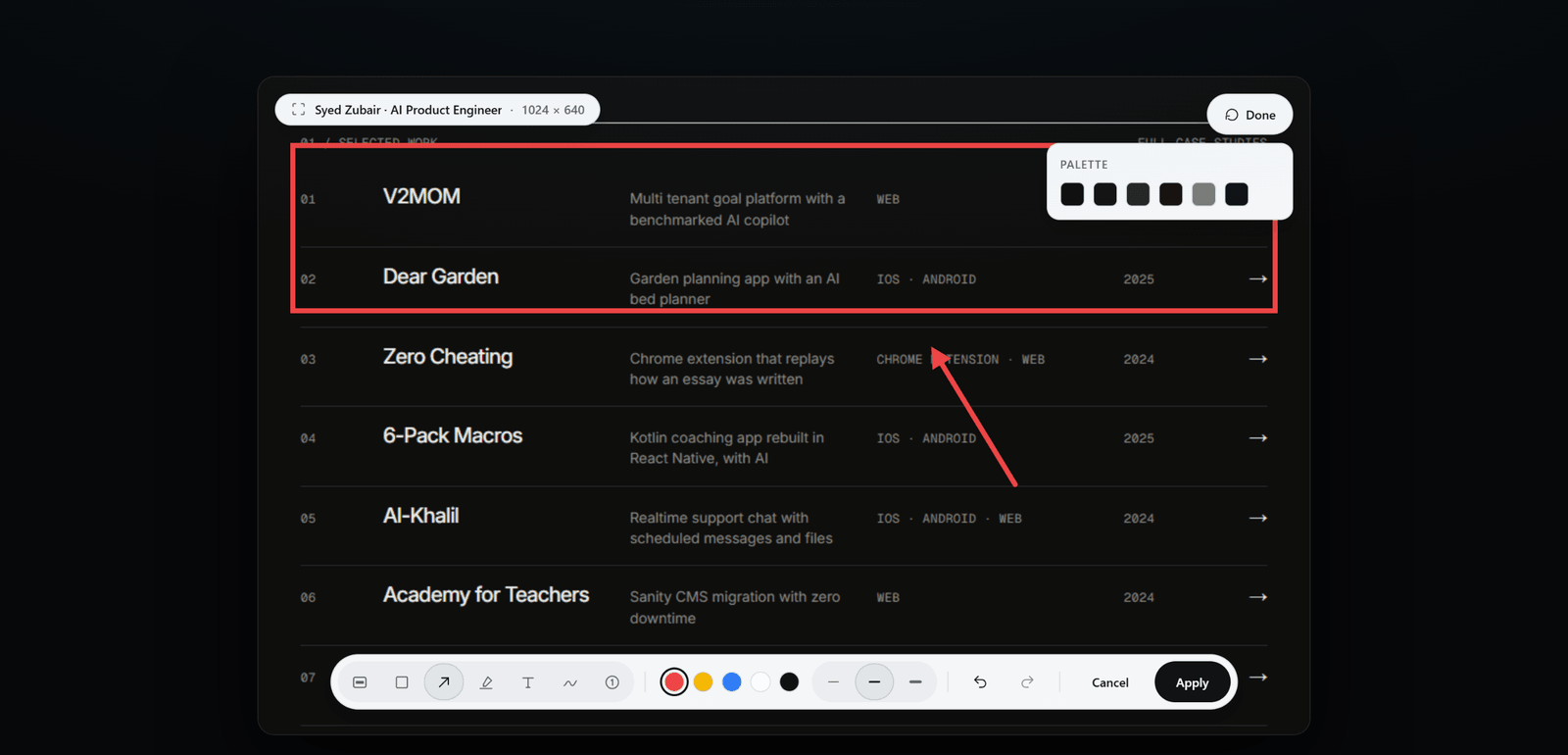
Marks stay aligned with the image
ScrollSnapshot stores mark positions in the image's own pixels. A tall screenshot may be displayed small on screen, but a box or arrow is mapped back to the full image before export.
Build a readable note
- Open Edit and choose a tool: Box, Arrow, Highlight, Text, or Pen.
- Use one colour and a small number of marks to establish the reading order.
- Apply the marks, then review the final file at the size your recipient will see.