
Two different marks
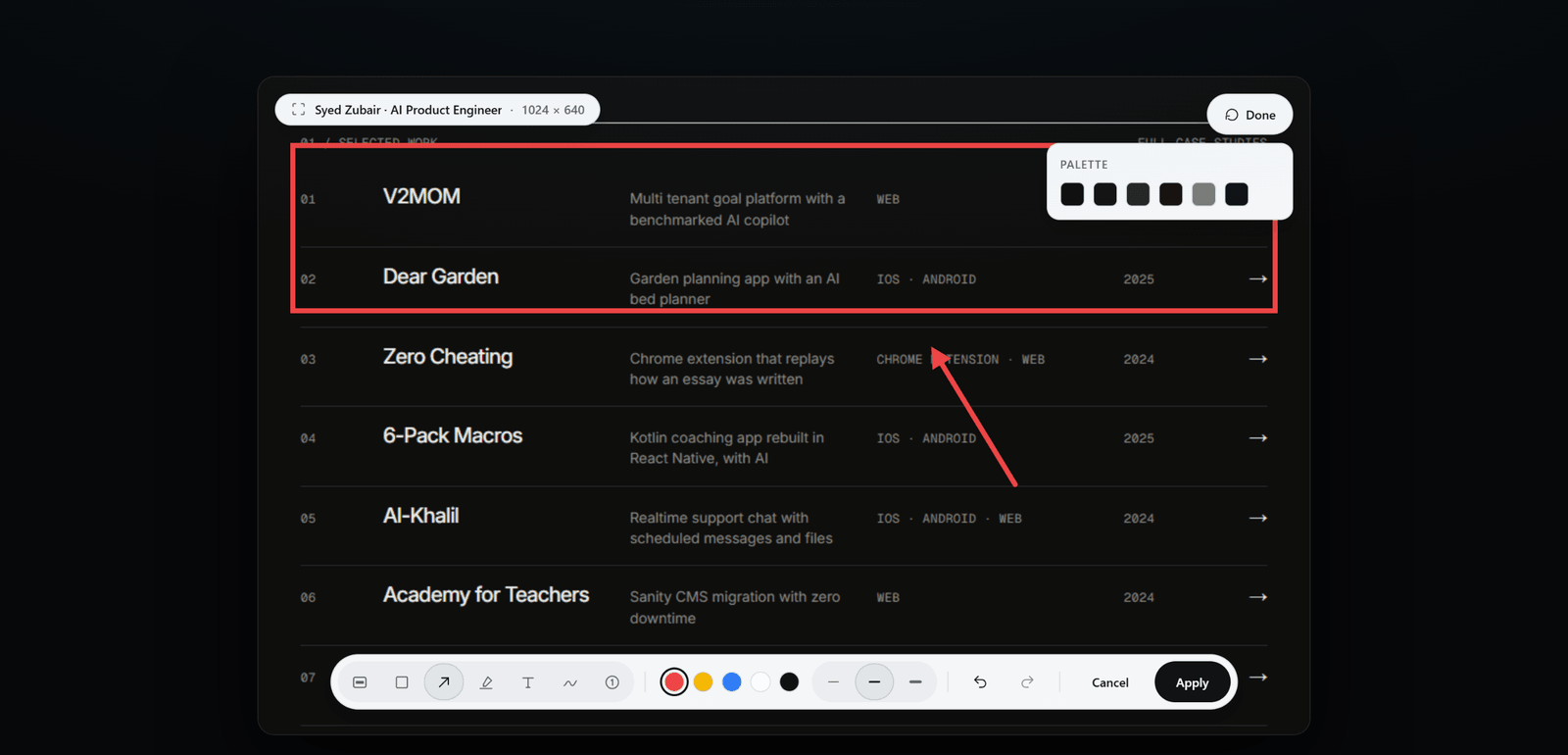
Black out fills the selected area with opaque black. Pixelate replaces it with coarse blocks. Both are applied to the source image, not merely painted over the browser preview.
Check before you send
- Open the result and choose Edit, then Redact.
- Draw over each sensitive area, zooming in if the edge is close to text you want to keep.
- Apply the edit and inspect the exported image, not only the editing overlay.
Text beside the image
A Region capture may include text read from the page. Once you apply a redaction, ScrollSnapshot withholds that extracted text so it cannot reveal words hidden in the image. Undo edits brings it back.