Six languages
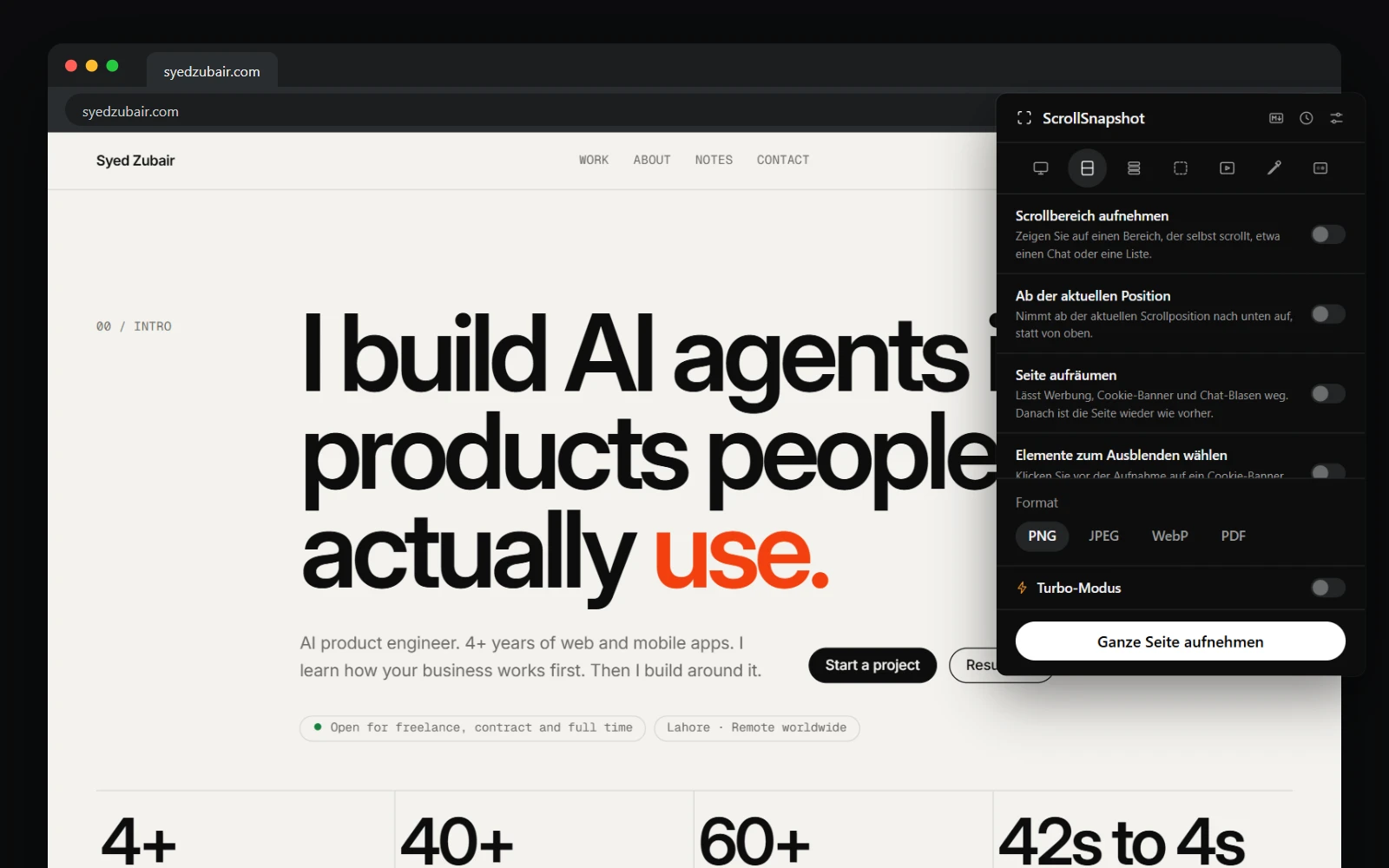
The popup, Settings, the result page and editor, History, the Markdown reader, the on-page pickers and drawing toolbar, error messages and shortcut names all follow Chrome's language. Dates and numbers do too. Any other language shows English.
A clearer name in the Chrome Web Store
The extension is now listed as ScrollSnapshot – Full Page Screenshot & Screen Capture, with the same words in each language, so it is easier to find. Where there is little room, Chrome still shows just ScrollSnapshot. Nothing else about it changes.
Getting the update
- Chrome updates extensions on its own, usually within a day or two of a release.
- To check now, open chrome://extensions, turn on Developer mode, and choose Update.
- Look for version 1.4.0 on ScrollSnapshot's card.