
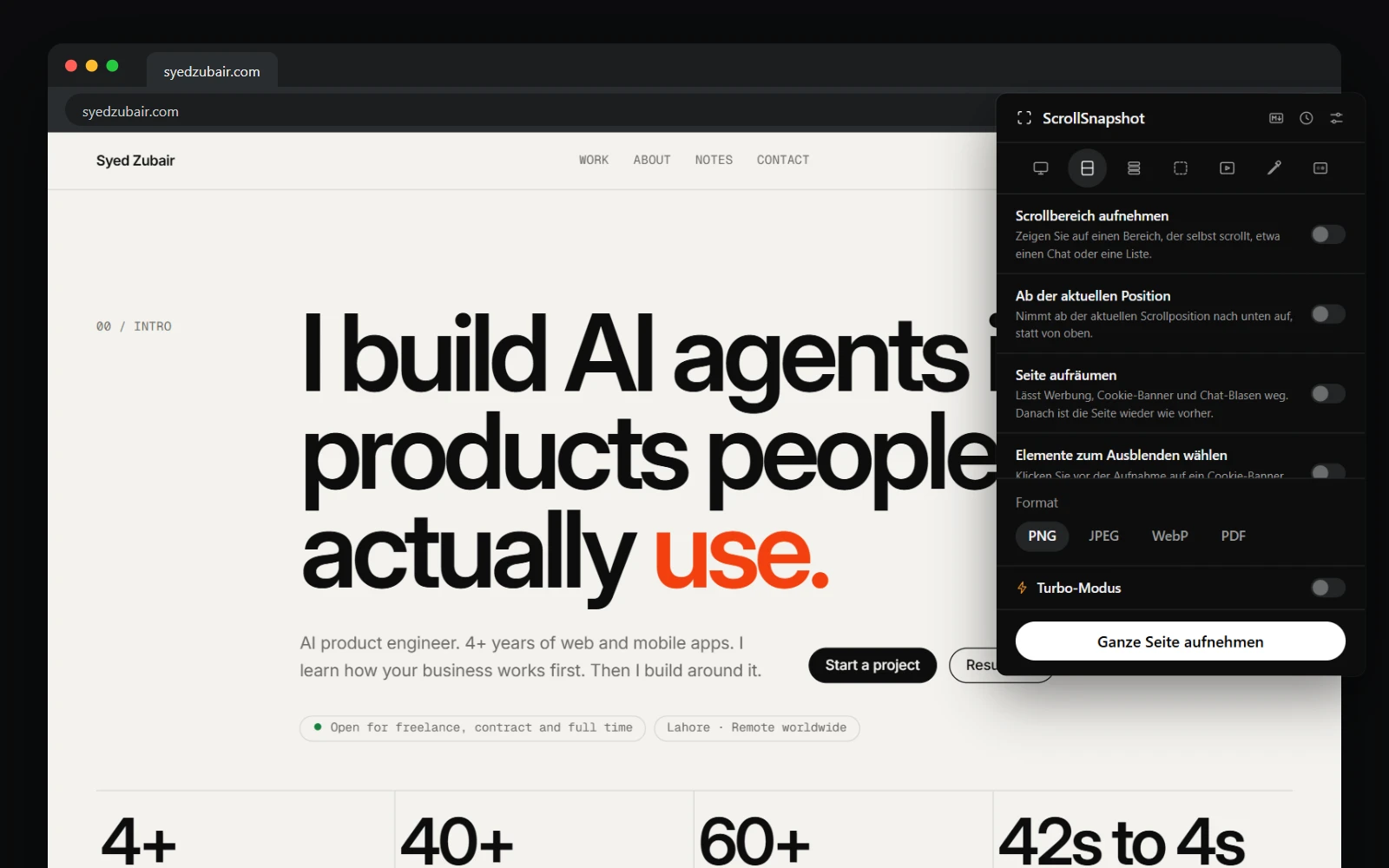
What changes
Everything ScrollSnapshot shows you: the popup, Settings, the result page and editor, History, the Markdown reader, the pickers and drawing toolbar on the page, error messages and the names of its keyboard shortcuts. Dates and numbers are written the way your language writes them. Its name and summary in the Chrome Web Store and on chrome://extensions follow too.
Your captures and the text taken from a page stay exactly as the page wrote them.
Change the language on Windows, Linux or ChromeOS
- Open Chrome's settings and choose Languages, or go to chrome://settings/languages.
- Add the language if it is not listed, then open its ⋮ menu and choose Display Google Chrome in this language.
- Press Relaunch. ScrollSnapshot opens in the new language.
Change the language on a Mac
On macOS, Chrome uses the language of the system. Change it in System Settings → General → Language & Region, either for the whole Mac or for Google Chrome alone under Applications, then quit and reopen Chrome.
Any other language
Chrome set to a language ScrollSnapshot does not have shows it in English. Spanish covers every Spanish Chrome offers. Portuguese is written for Brazil, so Chrome set to Portuguese (Portugal) shows English.