
Turn it on
Switch on Burst of five frames in the popup's Video mode. Choose how far apart the frames are under Settings → Capture, in Time between burst frames: ⅛, ¼, ½ or 1 second. ¼ second is the default.
What happens to the video
ScrollSnapshot pauses and steps the video to each frame, muted, then puts it back exactly as it was: the same time, paused or playing, muted or not. A live stream can't go forward in time, so its later frames are collected by letting it play on.
On the result page
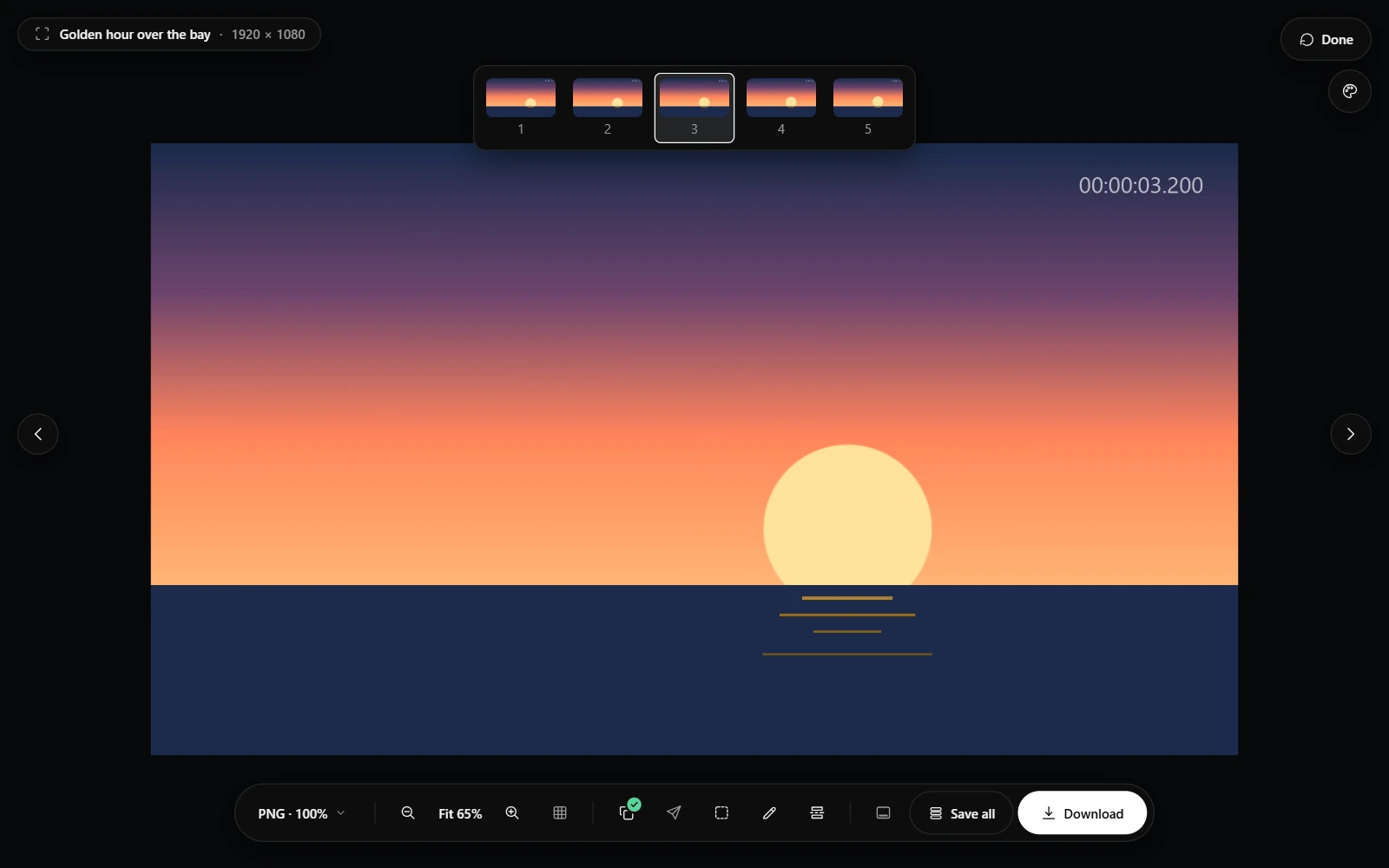
- Pick a frame in the strip above the image, or step through them with the arrow keys or the arrows at the sides.
- Crop or edit the frame you picked. Each frame keeps its own edits.
- Download, or Save all, saves all five frames, each as it currently is, as numbered files.