
Why it is optional
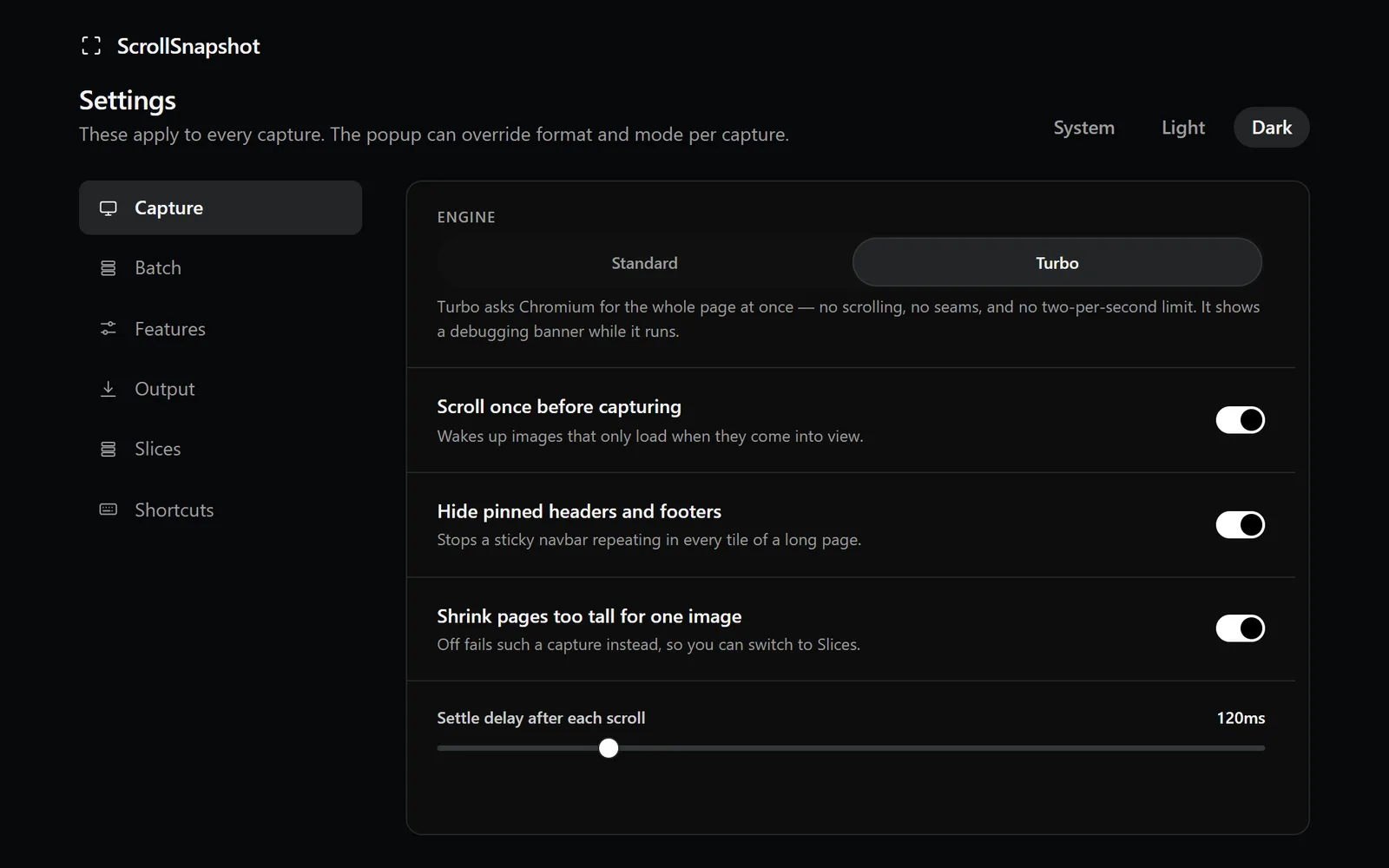
The standard engine is the default because it works without attaching a debugger. Turbo is a deliberate choice for a difficult page or a time-sensitive full-page capture. Chrome's banner is browser UI; ScrollSnapshot does not hide it.
Use it deliberately
- Choose Full page in the popup and switch the engine to Turbo.
- Capture the page and leave Chrome's banner in place until it finishes.
- Review the result and any fallback notice before exporting.