
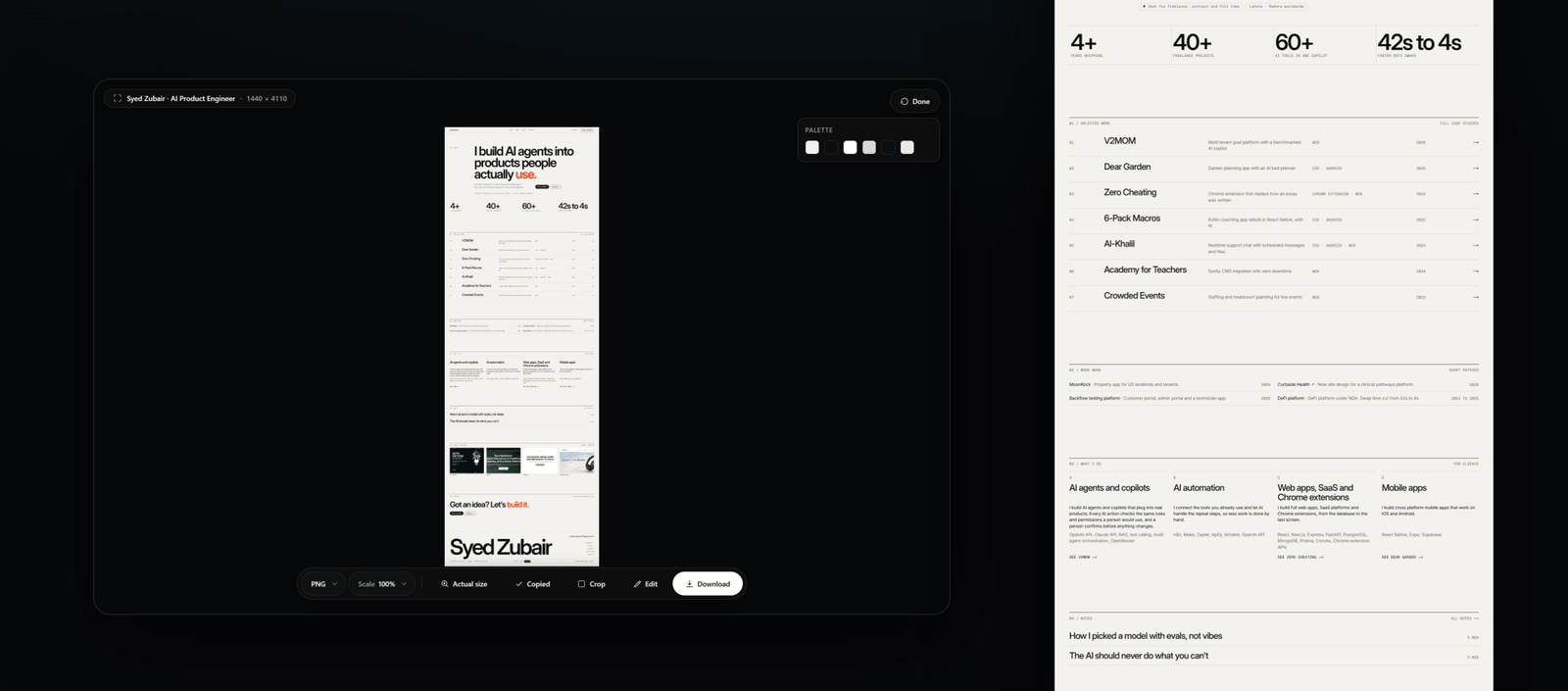
What happens during the capture
Before stitching, ScrollSnapshot moves through the page to let lazy content load. It then restores the page's original scroll position. Fixed elements are handled so a sticky header does not repeat at every seam.
The standard engine works by scrolling and capturing tiles. Turbo is an optional one-shot engine for pages where that tradeoff makes sense.
Capture and review
- Choose Full page in the popup.
- Press Capture and let the page finish moving; the progress view shows the current phase.
- Inspect the result at its real detail before choosing a format or cropping it.
When one image is too tall
Browsers put a ceiling on canvas dimensions. If the page exceeds it, ScrollSnapshot reduces the scale and tells you by how much. Choose Slices when full resolution matters more than having a single file.