
Choose the cut
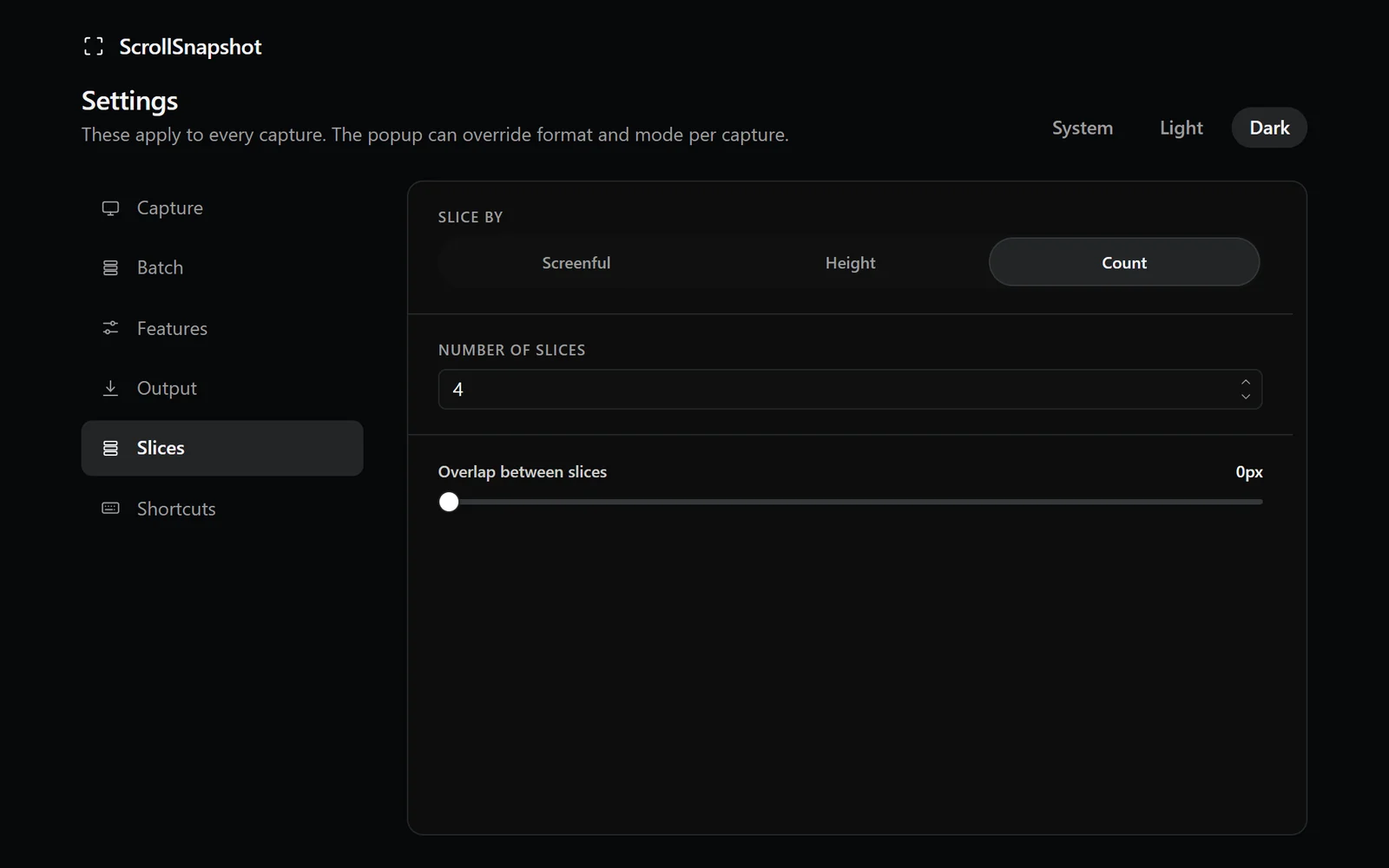
You can take one piece per screen height, specify a pixel height, or ask for an exact number of parts. Optional overlap repeats a little content at each boundary, useful when a line of text would otherwise sit on a seam.
What is in the archive
The images are numbered in page order and padded so they sort correctly in a file manager. A manifest records their page coordinates. The archive remains useful even after it leaves the extension because the positions are explicit.
Work with the result
- Choose Slices, set the height or count, and add overlap if the page has dense text.
- Capture and inspect the slice previews in the result page.
- Download the ZIP, or use Reassemble to make a separate single-image capture for editing.