
Retention is a choice
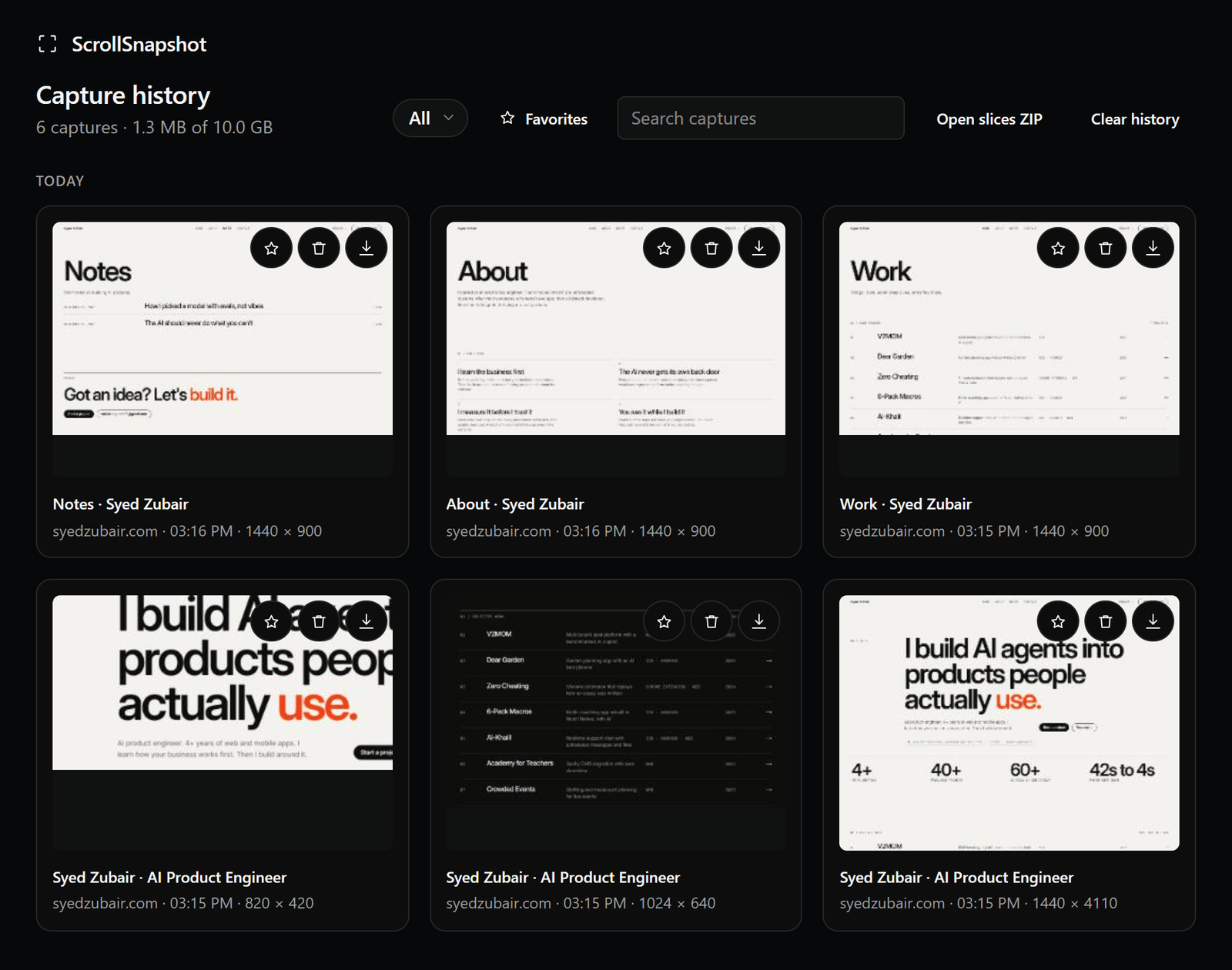
Settings controls how many captures to keep and whether older ones expire. Turning Capture history off prunes the store to the current result; the next capture replaces it. Batch requires history on so every successful page survives its queue.
Retrieve or remove
- Open History from the popup or Settings.
- Search for a title or filter by Visible, Full page, Slices, or Region.
- Open, download, favorite, or delete a capture. Clear history asks before removing everything.